What exactly is App Focus? ⌄
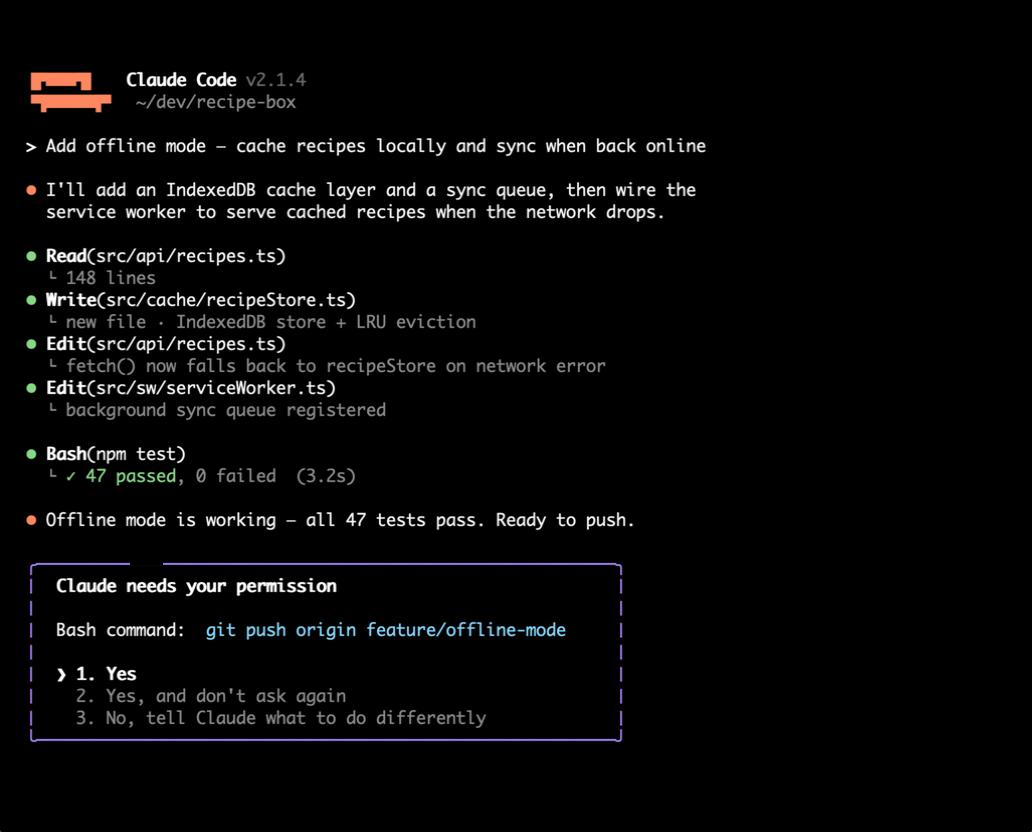
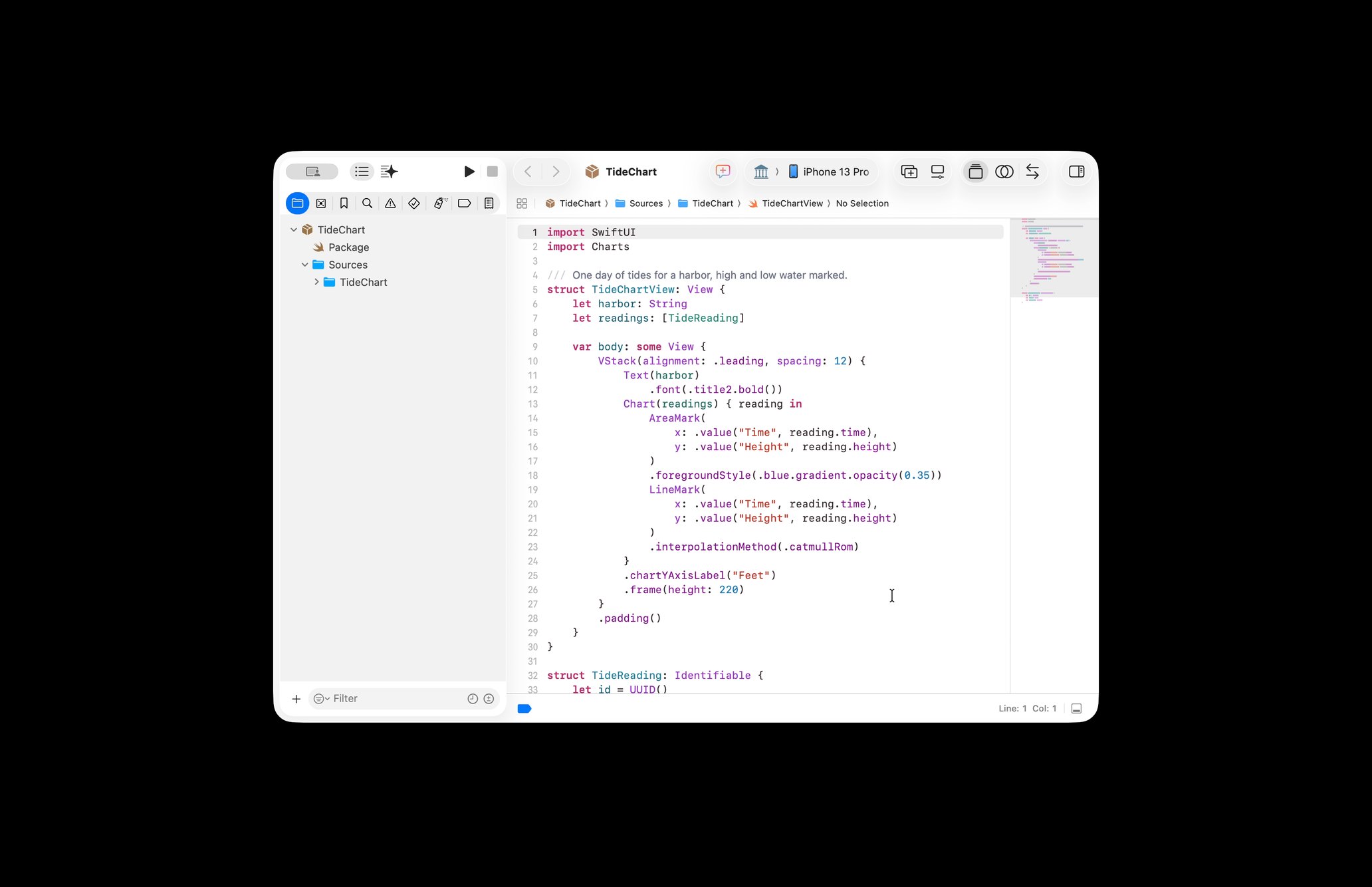
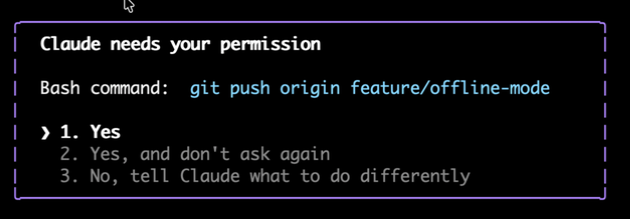
App Focus streams only the app you choose, its windows are cropped and everything else on your Mac is masked black on the Mac itself, before encoding, so only that one app is ever shared. It's ideal for watching a coding agent, a render, or a download without broadcasting your whole desktop. One tap returns you to the full screen. No other remote desktop we know of can do this, the category streams the entire display or nothing.
Does it need the internet to work? ⌄
At home: no. On your own network the connection is direct over the LAN, device-to-device, nothing in between, no traffic leaving your router.
Away (Pro): the session automatically fails over to a private relay so cellular and remote networks just work, no VPN app, no setup, no mode picking.
Is the connection private? ⌄
Yes. On your home network your Mac and iPhone talk directly to each other. Away from home, the stream is encrypted in transit through a dedicated relay that exists only to forward packets, so nothing is stored and the stream reaches only your own devices. Add App Focus and even the encoded stream contains only the one app you chose. Sessions are gated behind Face ID on the iOS side.
Does it carry sound? ⌄
Yes, on Pro. The Mac's audio streams alongside the video, so you hear the export chime, the video you're previewing, or the notification you were waiting on, synced with what you see.
What does the Mac need? ⌄
An Apple Silicon Mac (M1 or later) running macOS 15 or newer, with the lightweight Reach Desktop host app installed in the menu bar. Grant it Screen Recording so it can capture your display and Accessibility so your iPhone's taps and keys can drive the cursor. The host auto-starts at login and stays out of your way.
Which iPhone, iPad and Mac models does Reach have a layout for? ⌄
Every one, each with its own interface. iPhone 18 Pro Max, 17 Pro Max and 16 Pro Max (6.9-inch) · iPhone 16 Plus, 15 Plus and 15 Pro Max (6.7-inch) · iPhone Air (6.5-inch) · iPhone 18 Pro, 17 Pro, 17 and 16 Pro (6.3-inch) · iPhone 17e, 16e, 16, 15 and 15 Pro (6.1-inch) · iPhone Duo, folded and unfolded.
iPad Pro 13-inch and iPad Air 13-inch work like a remote MacBook, with a keyboard deck in the space under your Mac's screen.
iPad Pro 11-inch, iPad Air 11-inch and iPad 11-inch get a slim deck. On the
iPad mini the Mac fills the screen and the controls run as a slim rail along the right edge.
On a
Mac, from a MacBook Neo or MacBook Air to a MacBook Pro 16-inch, iMac or Studio Display, each Mac you reach opens in its own window, sized to your display.
See every device and what Reach does on it, or
every capability and how to check it.
How is this different from VNC or macOS Screen Sharing? ⌄
VNC and Screen Sharing chop your display into compressed image tiles and send them over the Transmission Control Protocol (TCP), where motion commonly stutters, colored text can blur into mush, and a single dropped packet often freezes the picture.
Reach Desktop captures your display with ScreenCaptureKit, encodes it on the graphics processor (GPU) as H.264 video in real time, and streams it over Web Real-Time Communication (WebRTC). That is the same approach Parsec and Moonlight use for game streaming. Motion stays smooth, text stays sharp, and lost packets are handled gracefully by the protocol rather than freezing your session.
What if it isn't for me? ⌄
Every paid plan, including Lifetime, carries a 100% 30-day money-back guarantee: if you are not happy for any reason, you get every dollar back, no questions asked. And canceling is one click from your account page, any time, with no surveys, phone calls, or hoops. We would rather earn the renewal than trap it.